Form tabs
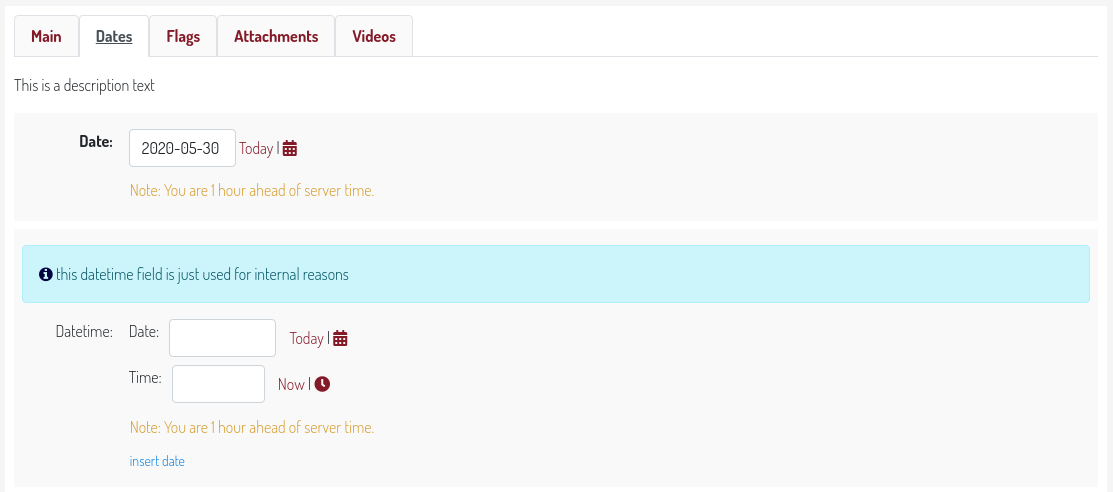
Baton provides an easy way to define form tabs in yor change form templates. Everything is done through javascript and you only need to add some classes you your ModelAdmin fieldsets
from django.contrib import admin
from .models import Item, Attribute, Feature

class AttributeInline(admin.StackedInline):
    model = Attribute
    extra = 1

class FeatureInline(admin.StackedInline):
    model = Feature
    extra = 1

class ItemAdmin(admin.ModelAdmin):
    list_display = ('label', 'description', 'main_feature', )
    inlines = [AttributeInline, FeatureInline, ]

    fieldsets = (
        ('Main', {
            'fields': ('label', ),
            'classes': ('baton-tabs-init', 'baton-tab-inline-attribute', 'baton-tab-fs-content', 'baton-tab-group-fs-tech--inline-feature', ),
            'description': 'This is a description text'

        }),
        ('Content', {
            'fields': ('text', ),
            'classes': ('tab-fs-content', ),
            'description': 'This is another description text'

        }),
        ('Tech', {
            'fields': ('main_feature', ),
            'classes': ('tab-fs-tech', ),
            'description': 'This is another description text'

        }),
    )
Rules
Inline classes remain the same, no action needed
In the first fieldset define a
baton-tabs-initclass which enables tabsOn the first fieldset, you can add an
order-[NUMBER]class, which will be used to determined in which position to place the first fieldset. The order starts from 0, and if omitted, the first fieldset has order 0. If you assign for example the classorder-2to the first fieldset, then the first fieldset will be the third tab, while all other tabs will respect the order of declaration.For every
InLineyou want to put in a separate tab, add a classbaton-tab-inline-MODELNAMEorbaton-tab-inline-RELATEDNAMEif you’ve specified a related_name to the foreign keyFor every fieldset you want to put in a separate tab, add a class
baton-tab-fs-CUSTOMNAME, and add a classtab-fs-CUSTOMNAMEon the fieldsetFor every group you want to put in a separate tab, add a class
baton-tab-group-ITEMS, where items can be inlines (inline-RELATEDNAME) and/or fieldsets (fs-CUSTOMNAME) separated by a double hypen--. Also add a classtab-fs-CUSTOMNAMEon the fieldset items.Tabs order respects the defined classes order
Fieldsets without a specified tab will be added to the main tab. If you want the fieldset to instead display outside of any tabs, add a class
tab-fs-noneto the fieldset. The fieldset will then always be visible regardless of the current tab.
Other features:
when some field has an error, the first tab containing errors is opened automatically
you can open a tab on page load just by adding an hash to the url, i.e. #inline-feature, #fs-content, #group-fs-tech–inline-feature